



Complete Features Guide
GstarCAD 2027
Faster by Core, Smarter by AI, Powered by Innovation
GstarCAD 2027 delivers breakthrough performance for complex 3D drawings and introduces intelligent productivity features that streamline your workflow and help you design with confidence.
Try for free. No payment required.
Watch GstarCAD 2027 New Features
Dynamic Block Parametric Constraints
Achieving a breakthrough in parametric and dimension-driven technology, this new feature enables precise linkage between geometry size and position. It significantly enhances design efficiency and accuracy, supporting enterprise-standard drafting and rapid iterations.
Centerline & Center Marks
Batch Plotting [Improved]
Cross-Application Copy & Paste
Hatch: "Use Current Drawing" for Boundary Sets
Reconstructed Command Line
Floating Drawing Windows
GstarCAD 2027 now supports multiple top-level windows. You can drag a drawing tab out of the main window to create a floating window, enabling side-by-side comparisons and easy data transfer without tab switching.
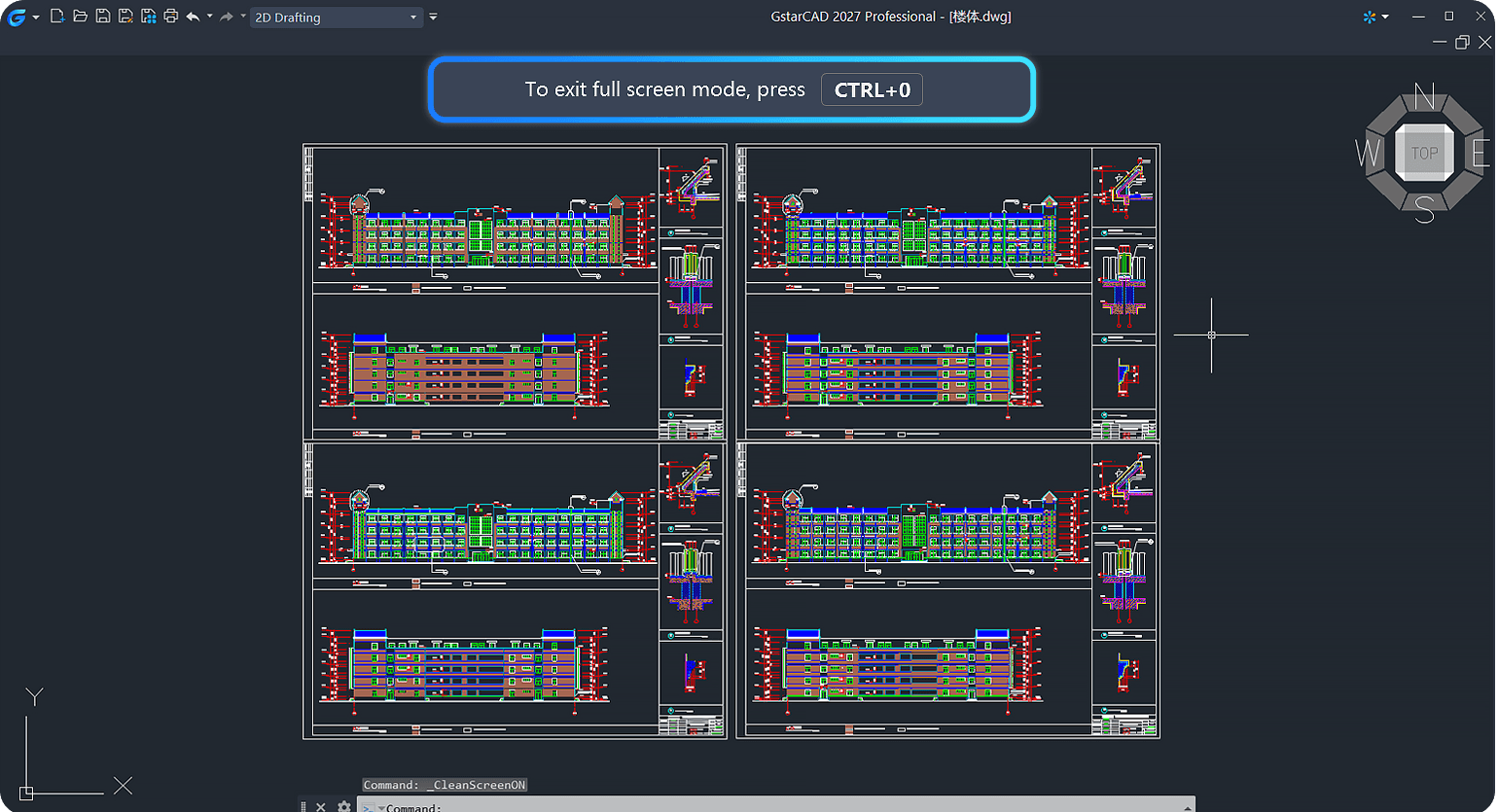
Full-Screen Mode Exit Prompt
To prevent accidental disruptions, a clear “Exit Full Screen” prompt now appears at the top of the interface when full-screen mode is activated (manually or by mistake), helping users quickly return to their standard workflow.
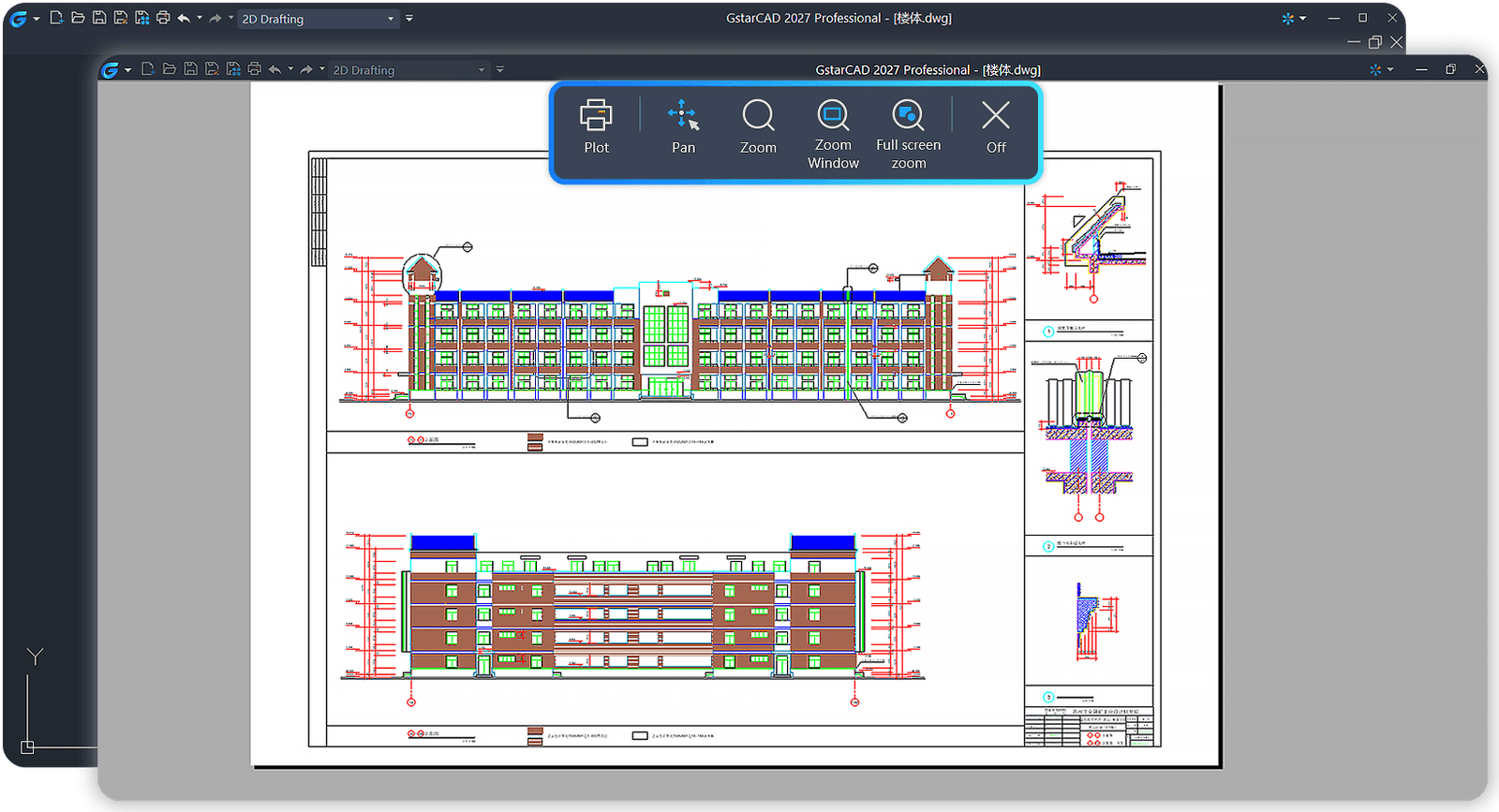
Redesigned Plot Preview
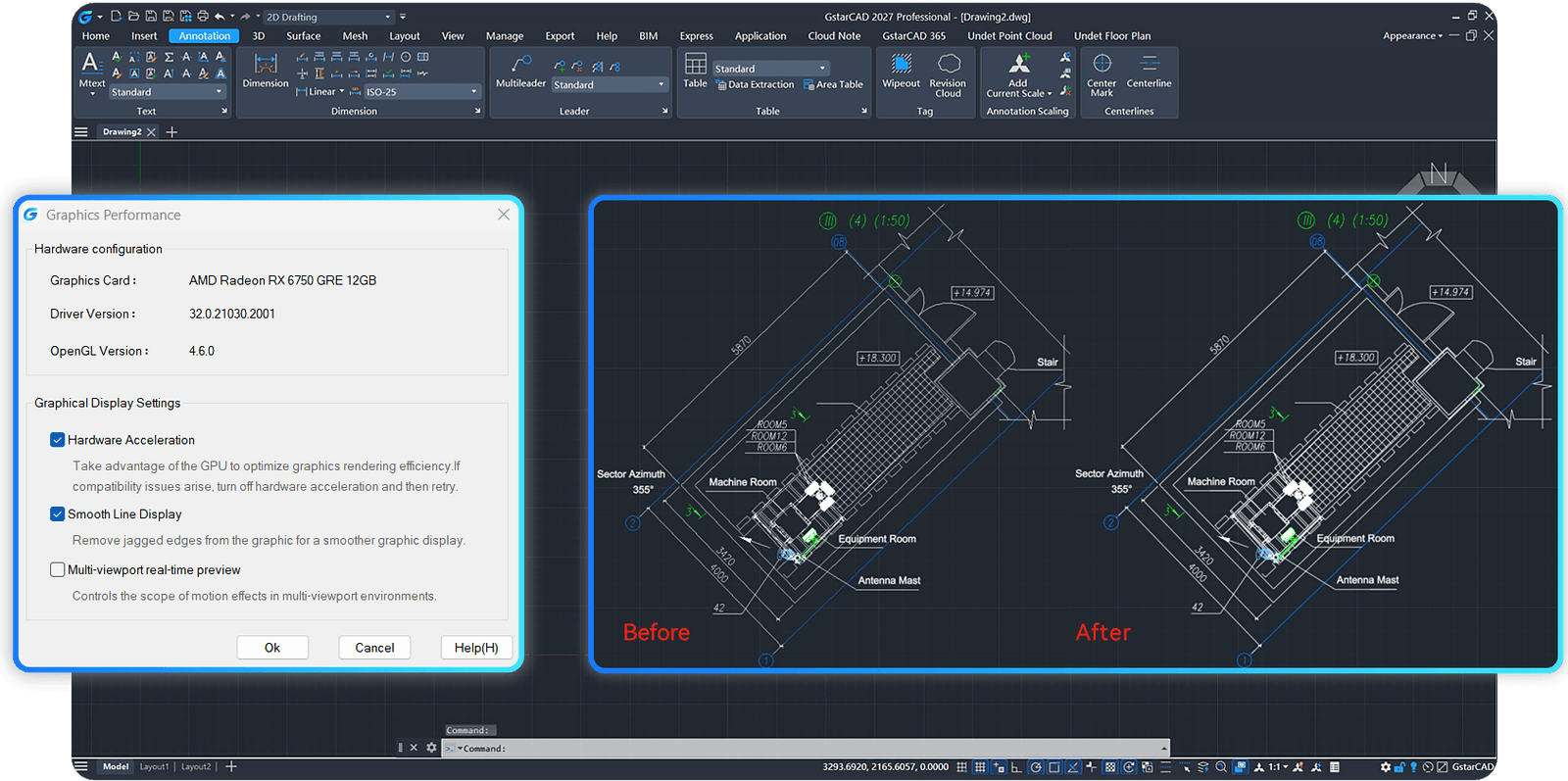
Superior Display Optimization [Improved]
By maximizing GPU utilization and hardware acceleration, GstarCAD 2027 offers smoother interactions for opening/saving, layer operations, and block edits. Average performance has increased by 30%-80%, with some complex drawing operations accelerating by over 90%, providing a more refined and fluid visual experience.
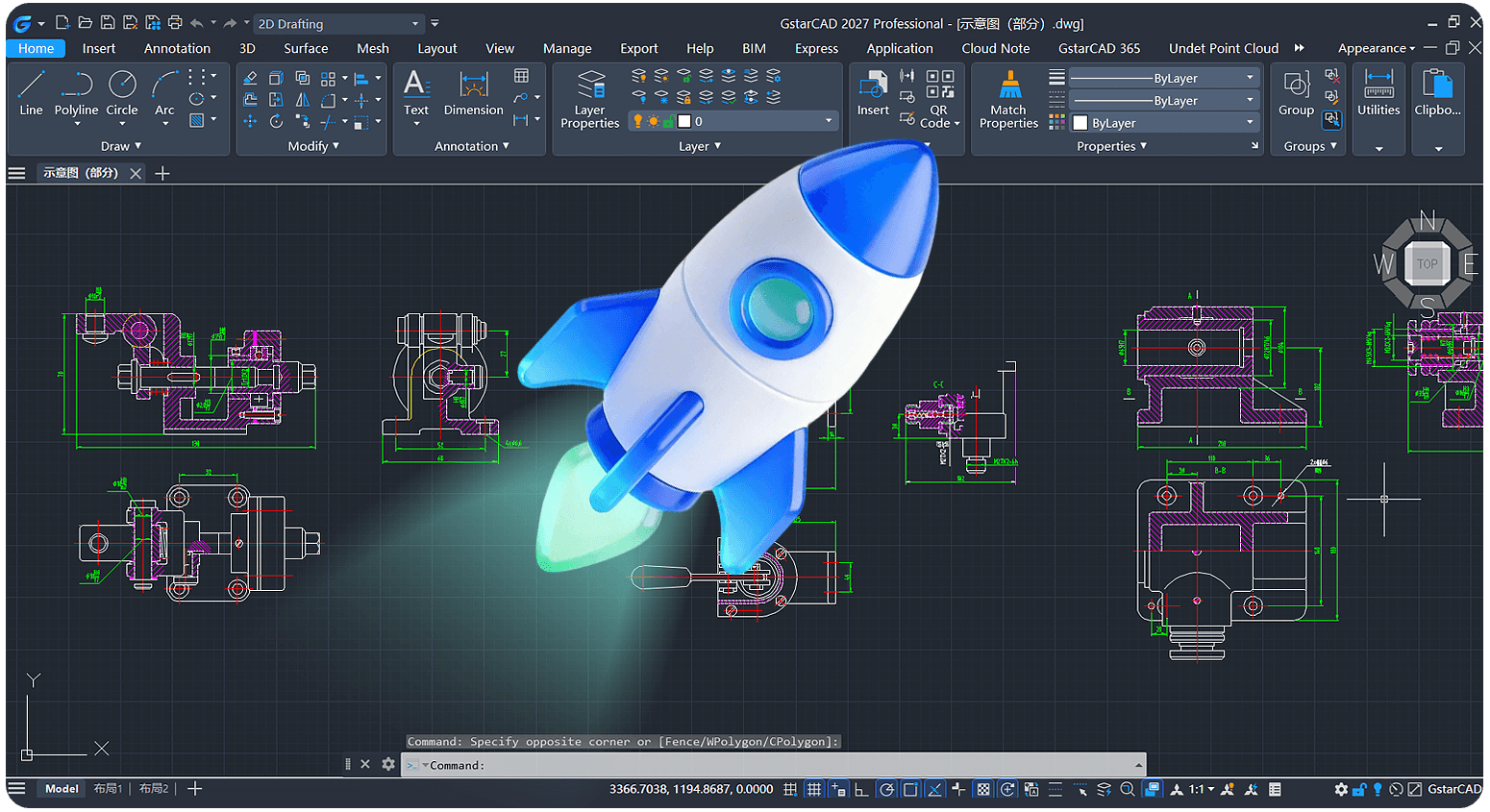
Performance Leap [Improved]
Trusted by Industry Leaders.
We are proud to serve some of the most respected companies across various industries.









Ready to Explore GstarCAD 2027? - Free for 30 days
Here are some common questions and answers to help guide you. If you can’t find what you’re looking for, feel free to reach out to us directly!
How long is the GstarCAD free trial?
Do I need a credit card to start the trial?
What happens after the 30-day trial ends?
Can I get technical support during the trial?
Yes! As the exclusive distributor in Singapore, ACAD Pte Ltd provides local support even during your trial. Our team can help you with installation, setup, and usage questions.
Is the trial version different from the paid version?
Start Your Free Trial
30-day full access • No credit card required
By submitting this form, you consent that ACAD processes your Personal Data to send me communications, including for marketing purposes, via email and to contact me by phone